Choose who can send you ASN data
For companies that receive ASN data: list the packing sheds allowed to send it to you, with the GLN that goes into your Walmart and Sam's Club ASNs.
- 11 steps
- Also built into myPTI
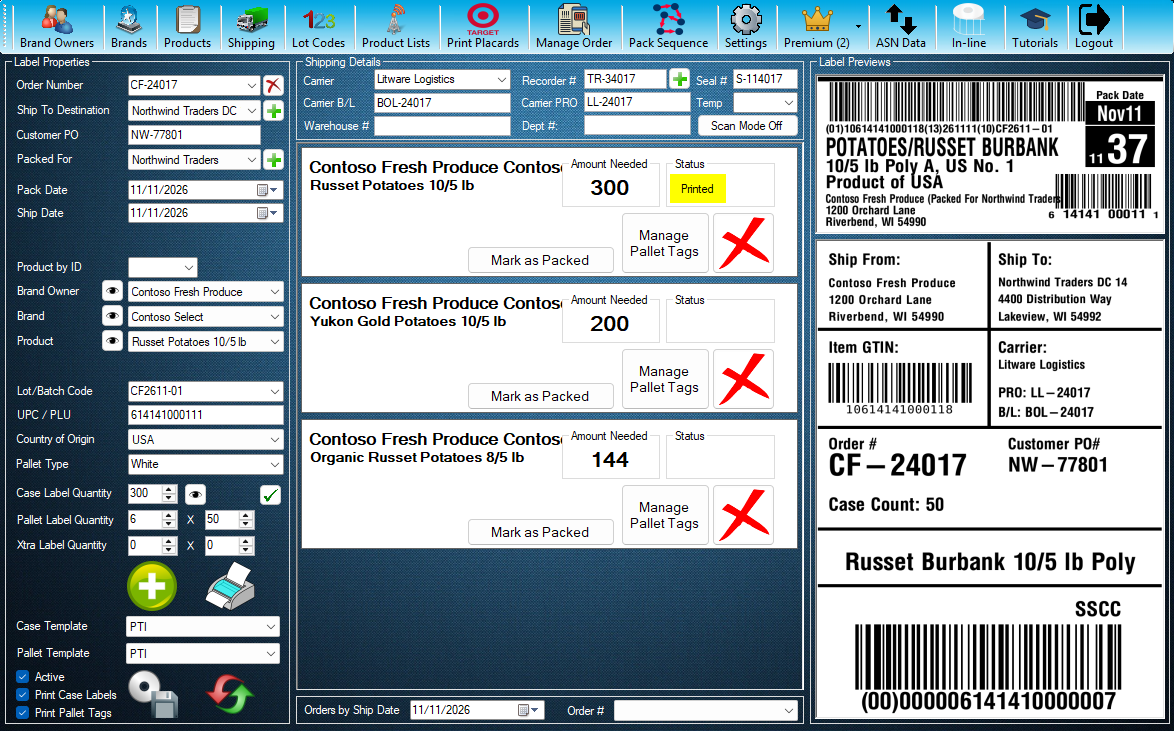
Step 1 / 11
ASN Data
GLN Partners is on the ASN Data screen, for companies that receive ASN data. Press ASN Data to open it.
Click the highlighted control, or press Next.
Step 1 of 11: ASN Data
All 11 steps
Every step, as text
The same steps as the interactive tutorial above. Select a step to open it there.
I receive ASN data
- 01ASN DataGLN Partners is on the ASN Data screen, for companies that receive ASN data. Press ASN Data to open it.
- 02GLN PartnersPress GLN Partners to open the list of companies allowed to send you ASN data.
- 03Your GLN partnersEvery company that may send you ASN data is listed here, with its GLN and whether it is Active. Click a row in the list on the right to see it in the details on the left.
- 04SearchType part of a company name, a GLN or a town to narrow the list.
- 05StatusShow only the Active companies, or only the ones you turned off.
- 06CompanyThe myPTI company that packs for you. Type part of its name and pick it from the list; only myPTI companies can send ASN data.
- 07GLNThe 13-digit Global Location Number of the company's packing shed. It goes into the Manufacturer part of your Walmart and Sam's Club ASNs. myPTI checks the last digit, so a mistyped number is caught.
- 08ActiveWhile Active is on, the company can upload ASN data to you. Turn it off to stop its uploads; its GLN stays for the pallets it already sent.
- 09Add GLN PartnerPress + Add GLN Partner, pick the company, type its GLN, then press Add GLN Partner at the bottom of the details. A company can be on the list once.
- 10Save ChangesChange the details on the left, then press Save Changes. Revert puts back what was saved; myPTI asks before you leave unsaved changes.
- 11Delete GLN PartnerRemoves the company from your list after asking, so it can no longer upload to you. Close this window when you are done.
Keep going
Up next
ASN
Send or receive ASN data
ASN data tells the company receiving your order which pallets and products are coming. Send it, or receive and export it.
20 stepsStartTemp Recorders
Record and upload temperature recorders
Pick the order, scan its PO and temperature recorder, save them to the order and upload them to the receiver.
10 stepsStartReports
Find orders and print reports
Open Reports from Shipping, find orders by number, ship to or date, choose what to show, then preview, print or open them in Excel.
11 stepsStart
Ready to print your first compliant label?
Try myPTI free for 30 days, no card needed. The tutorials take it from there.