Send or receive ASN data
ASN data tells the company receiving your order which pallets and products are coming. Send it, or receive and export it.
- 5 steps
- Also built into myPTI
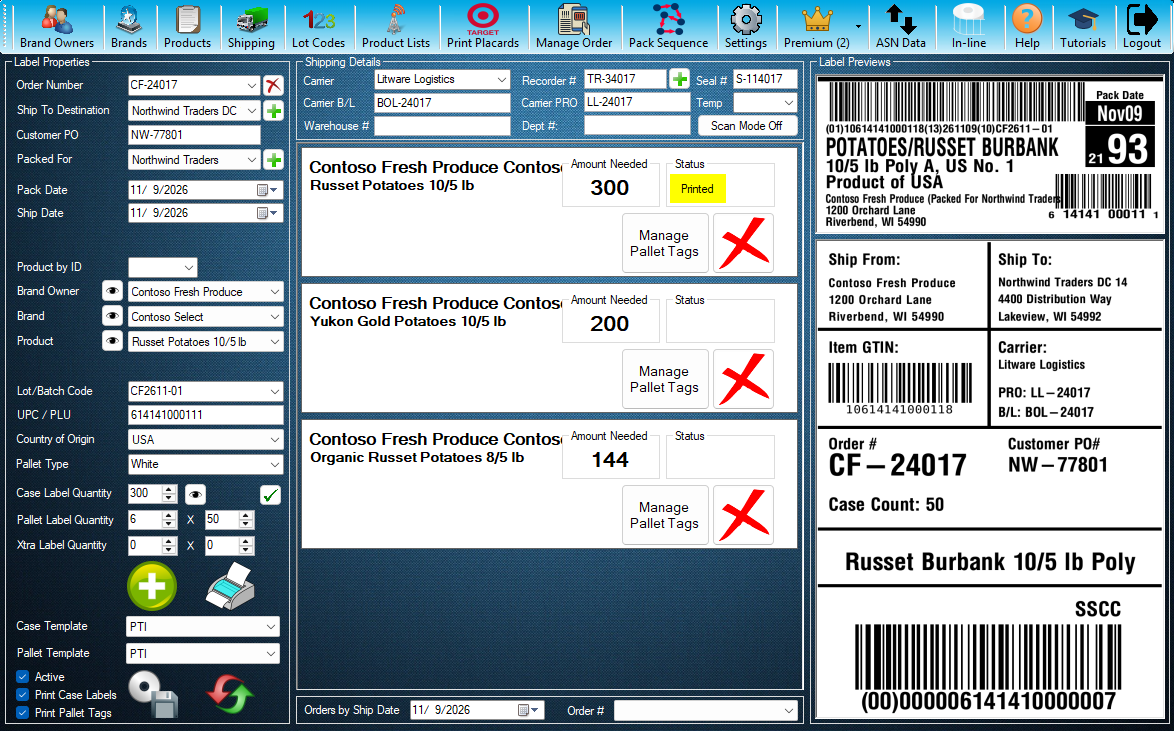
Step 1 / 5
ASN Data
ASN Data sends the pallets and products on an order to the company receiving it. Press ASN Data to open it.
Click the highlighted control, or press Next.
Step 1 of 5: ASN Data
All 5 steps
Every step, as text
The same steps as the interactive tutorial above. Select a step to open it there.
I send ASN data
- 01ASN DataASN Data sends the pallets and products on an order to the company receiving it. Press ASN Data to open it.
- 02Order #Pick the order whose ASN data you are sending.
- 03Company and customerChoose the company that receives the ASN data, then the customer.
- 04Pallet tagsThe SSCC numbers of the order's pallet tags. These are the pallets the ASN describes.
- 05Upload DataSends the ASN data to the company you chose. Close this window when you are done.
I receive ASN data
- 01ASN DataASN Data shows the ASN data packers sent you, ready to check and export. Press ASN Data to open it.
- 02Packed ByThe packers whose pallets are on this order.
- 03Pallet tagsEvery pallet tag on the order, with the packer that packed it.
- 04Purchase Order #Your customer's purchase order number. The ASN cannot be previewed or exported without the details it needs.
- 05Export ASNExports the ASN after checking every product has the data it needs. Preview XML shows the file first. Close this window when you are done.
Keep going
Up next
Temp Recorders
Record and upload temperature recorders
Scan the order, PO and temperature recorder, save them to the order and upload them to the receiver.
8 stepsStartReports
Find orders and print reports
Open Reports from Shipping, find orders by number, customer or date, choose what to show, then preview, print or open them in Excel.
10 stepsStartSettings
Set up your company, printers and options
Company details, the eye buttons, your case label and pallet tag printers and your default lot code.
9 stepsStart
Ready to print your first compliant label?
Email us for a free trial account. We'll set you up, and the tutorials take it from there.