Unship an order
Put back an order that was shipped by mistake, so it can be changed and shipped again.
- 4 steps
- Also built into myPTI
- Premium feature
- Administrators only
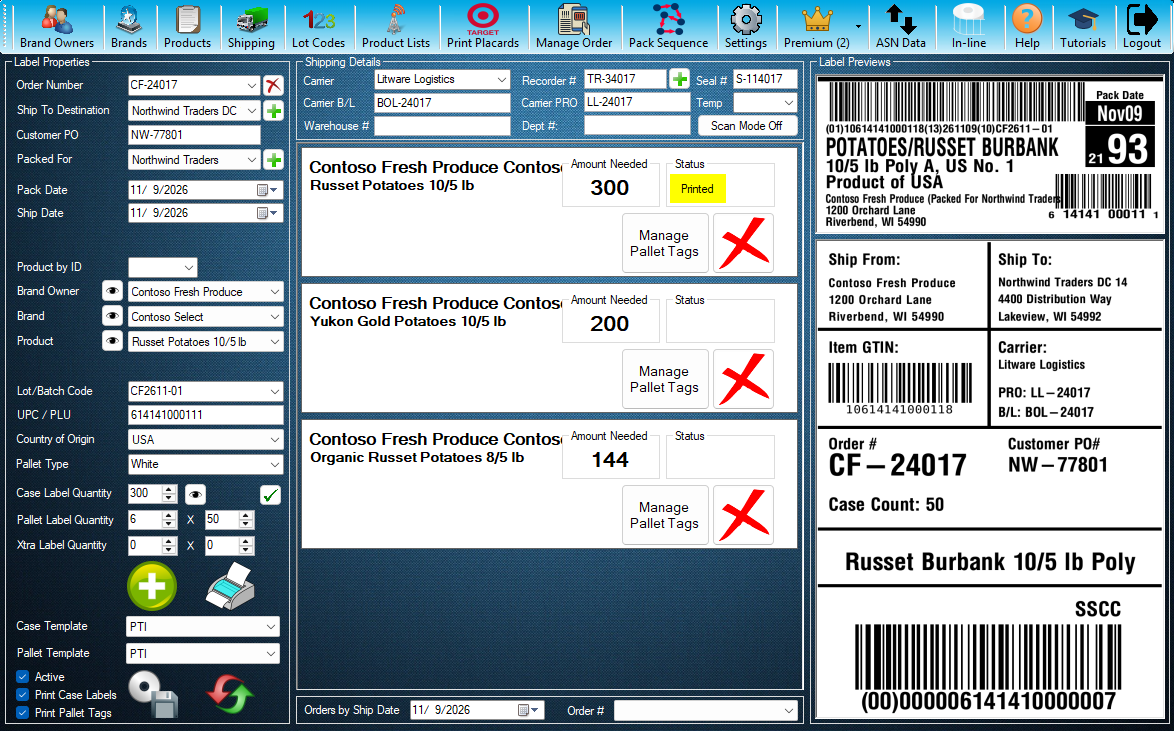
Step 1 / 4
Unship Order
Unship is a myPTI Premium feature on the Shipping screen, for Administrators. Press Shipping to open it.
Click the highlighted control, or press Next.
Step 1 of 4: Unship Order
All 4 steps
Every step, as text
The same steps as the interactive tutorial above. Select a step to open it there.
- 01Unship OrderUnship is a myPTI Premium feature on the Shipping screen, for Administrators. Press Shipping to open it.
- 02Shipped ordersChoose the order that was shipped by mistake in this list of shipped orders.
- 03UnshipUnship puts the chosen order back, so it can be changed and shipped again. myPTI shows you what will change and asks before it does anything.
- 04Ship it againWhen the order is right, ship it again with Log Shipment. If its ASN was already sent, let your customer know about the change. Close this window when you are done.
Keep going
Up next
- Premium
Premium features
Import orders from PDFs
Turn your customers' order PDFs into myPTI orders: queue them, check what myPTI read, link the products and import.
9 stepsStart - Premium
Premium features
Preview a print run
See the case label, the first and last pallet tags and the next serials before you print. Pick an order and a product first.
9 stepsStart - Premium
Premium features
Keep a to-do list for your crew
Add, edit and delete shared tasks, and see who added each one and when.
8 stepsStart
Ready to print your first compliant label?
Email us for a free trial account. We'll set you up, and the tutorials take it from there.