Use the New Reports Page
Pick a report, narrow it with the filters, check the totals and the orders, then preview, print, save a PDF or open it in Excel.
- 8 steps
- Also built into myPTI
Step 1 / 8
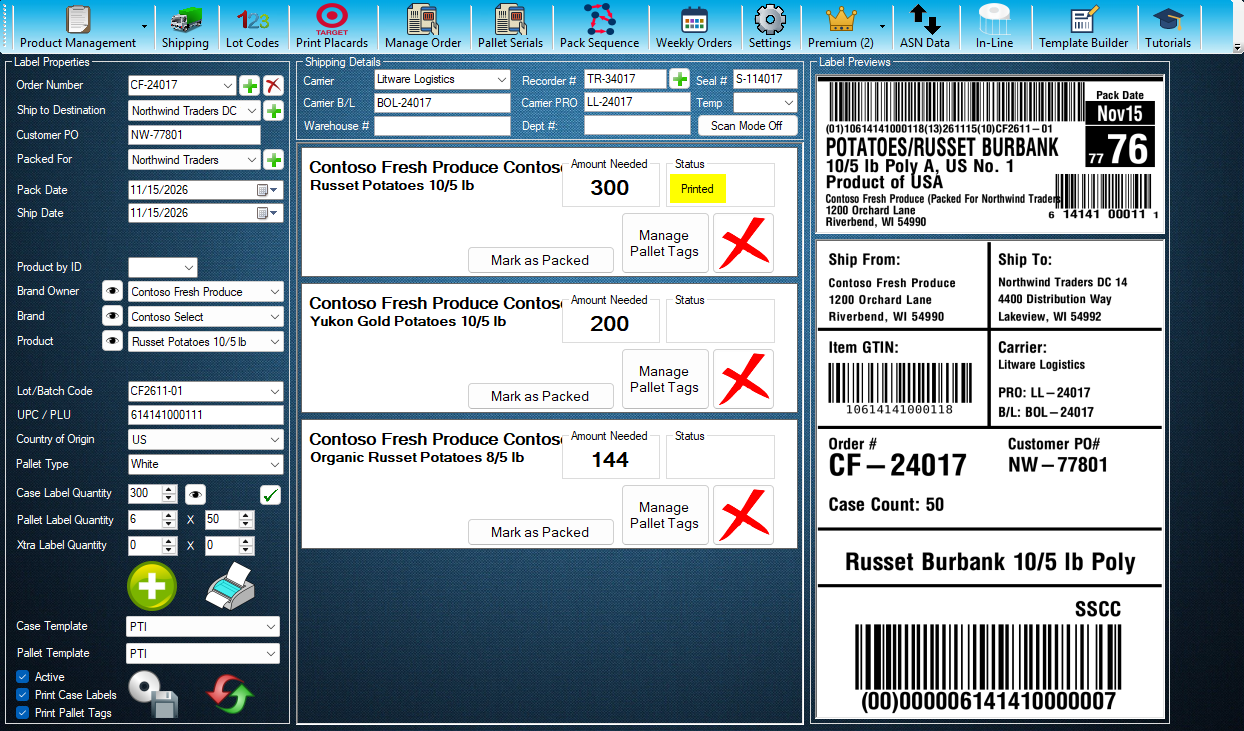
Open Shipping
The Reports page opens from Shipping. Press Shipping to open it.
Click the highlighted control, or press Next.
Step 1 of 8: Open Shipping
All 8 steps
Every step, as text
The same steps as the interactive tutorial above. Select a step to open it there.
- 01Open ShippingThe Reports page opens from Shipping. Press Shipping to open it.
- 02Open ReportsPress Reports. For this tutorial it opens the new Reports page. Without Premium you can still look around: the page closes again when the tutorial ends.
- 03Pick a ReportChoose a report, then narrow it by ship dates, customer, ship to and the other filters. Only the filters the chosen report uses are shown.
- 04TotalsThe totals for what is listed, with a line on the right that says exactly what they cover.
- 05OrdersThe orders that match. Type in Find to look for an order, PO or customer, and select the orders you want.
- 06DetailsThe details of the order you select, so you can check it before you print.
- 07Preview, Print, PDF and ExcelEach report shows the outputs it has. For, in the filters, chooses whether they cover the selected orders or every order in the list.
- 08Status and RefreshSays what the page is doing. Refresh (F5) reads the orders again. To open this page from Reports every time, choose New for Reports Page under Screens in Settings.
Keep going
Up next
Premium Features
Run Case Labels on In-Line Stations
Pick a station, check its product, lot and label, then start a run that prints a case label each time the line signals.
10 stepsStartPremium Features
See the Week's Orders
See a week of orders by ship date in their status colours, move between weeks, and choose what to do next with any order, starting with Order Details.
13 stepsStartPremium Features
Design Your Own Labels
Design your own case labels and pallet tags with data fields and barcodes, check them, print a test label and approve them for printing.
16 stepsStart
Ready to print your first compliant label?
Email us for a free trial account. We'll set you up, and the tutorials take it from there.