Run a mock recall
Trace a lot forward to every shipment and save the mock recall report for your audits.
- 7 steps
- Also built into myPTI
- Premium feature
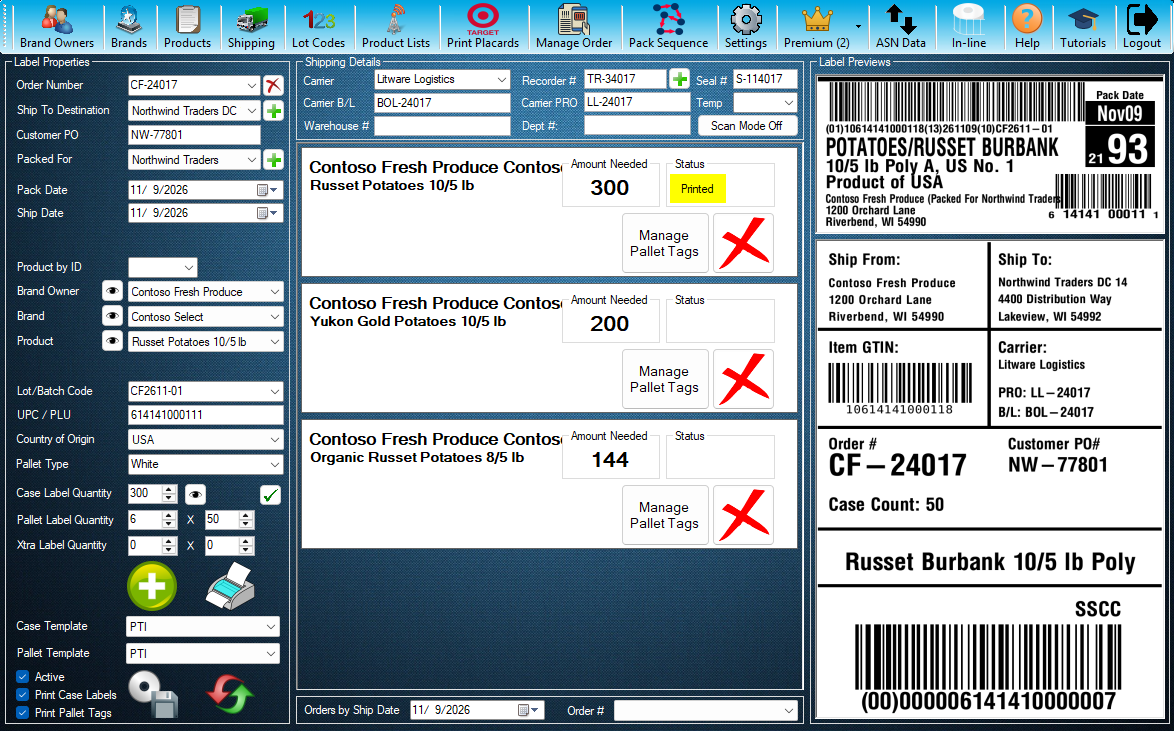
Step 1 / 7
Mock Recalls
Mock Recalls is a myPTI Premium feature. It is in the Premium menu. Open Premium to go on.
Click the highlighted control, or press Next.
Step 1 of 7: Mock Recalls
All 7 steps
Every step, as text
The same steps as the interactive tutorial above. Select a step to open it there.
- 01Mock RecallsMock Recalls is a myPTI Premium feature. It is in the Premium menu. Open Premium to go on.
- 02Open Mock RecallsPress Mock Recalls. Without Premium you can still look around: Mock Recalls opens just for this tutorial and closes when it ends.
- 03Mock RecallsA mock recall traces a lot forward to every shipment, the way a real recall would.
- 04New Mock RecallStarts a new mock recall. Add the lot codes to trace, then save it.
- 05Saved mock recallsEvery mock recall you saved. Each keeps its trace exactly as it was, even after orders are archived.
- 06ViewOpens the mock recall you picked.
- 07Save PDFSaves the mock recall you picked as a PDF for your audit file. Close this window when you are done.
Keep going
Up next
- Premium
Premium features
Keep pallet accounts
Keep a running count of the pallets you hold with each pallet company, by pallet type.
8 stepsStart - Premium
Premium features
Record pallet deliveries
Record the pallets delivered to you and keep the delivery paperwork with them.
7 stepsStart - Premium
Premium features
Unship an order
Put back an order that was shipped by mistake, so it can be changed and shipped again.
4 stepsStart
Ready to print your first compliant label?
Email us for a free trial account. We'll set you up, and the tutorials take it from there.